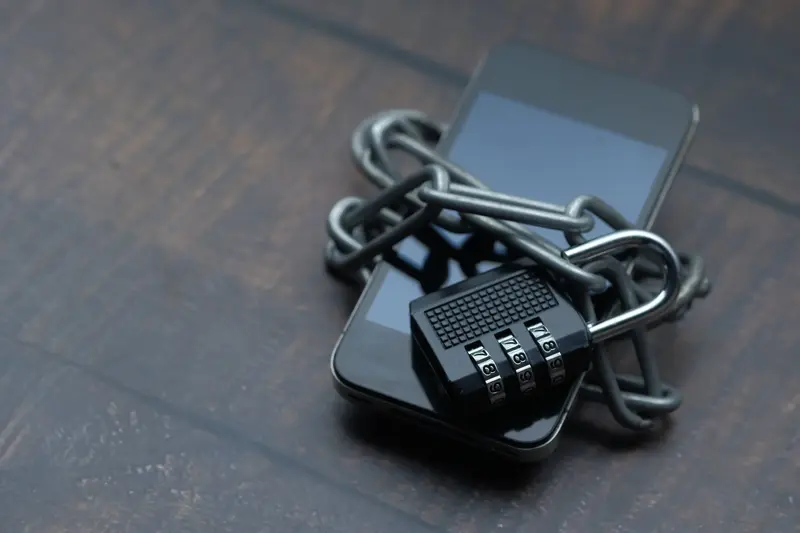
Every time you open a banking page, send a message, or join a wireless network, your data crosses equipment you do not own. Encryption is the reason that this is tolerable. It transforms readable information, called plaintext, into an unintelligible form, called ciphertext, using a mathematical procedure and a secret value known as a key. Anyone who intercepts the ciphertext sees noise; anyone with the correct key can reverse the process and recover the original.
The idea is ancient. Simple ciphers that shift or rearrange letters were used for centuries, and they fell to patient analysis. Modern encryption differs in kind: it is built on algorithms that are published, scrutinized by researchers, and secure even when everyone knows exactly how they work. Only the key is secret.
The principle: security lives in the key
A cornerstone of modern cryptography is that a system should remain secure even if an attacker knows every detail of the algorithm. If the method had to stay hidden, one leak would ruin it forever. If only a key must stay hidden, a leak means changing the key, which is cheap.
Strength then becomes a matter of counting. An attacker without the key can only try possibilities, and a key of 128 bits offers a number of possible values so large that trying them all is far beyond any realistic computing effort. Adding a single bit doubles the work, which is why key length is a crude but useful measure of resistance. Good algorithms also have no shortcuts that make guessing easier than this brute-force search, and that absence is what years of public analysis test.
Symmetric encryption: one shared key
The workhorse of everyday encryption is the symmetric cipher, in which the same key locks and unlocks the data. The most widely used is the Advanced Encryption Standard, published by the National Institute of Standards and Technology in 2001 after an open competition that selected the Rijndael cipher. AES processes data in blocks of 128 bits and supports keys of 128, 192, or 256 bits.
Inside, AES applies repeated rounds of simple operations: substituting bytes using a fixed table, shifting rows, mixing columns, and combining the data with parts of the key. Each round is simple, but many rounds produce a strong effect known as diffusion and confusion. Change one bit of the input and roughly half the output bits change unpredictably, and the relationship between key and ciphertext becomes too tangled to untangle.
Symmetric ciphers are fast, which is why they protect large amounts of data, such as encrypted drives and streaming traffic. Their weakness is logistical. Both parties need the same key, so how do they share it without someone listening?
Public-key cryptography: solving the key problem
Public-key, or asymmetric, cryptography addresses that problem with a pair of related keys. NIST describes a system in which each user has a private key kept secret and a public key freely provided to others. It is computationally infeasible to derive the private key from the public one, and the two can be used for different jobs.
The first job is confidential communication: anyone can encrypt a message using your public key, but only your private key can decrypt it. The second is digital signatures: you sign data with your private key, and anyone can verify the signature with your public key, confirming who produced it and that it was not altered. The concept was introduced publicly by Whitfield Diffie and Martin Hellman in 1976, and the RSA system followed in 1977.
The mathematics relies on operations that are easy in one direction and very hard to reverse, such as multiplying two large prime numbers versus factoring their product, or certain calculations on elliptic curves. Public-key operations are slow, so they are rarely used for bulk data. Instead, they are used to agree on a fresh symmetric key, and the fast cipher does the heavy lifting.
How a secure web connection combines both
The padlock in a browser reflects the Transport Layer Security protocol, whose current version is specified by the Internet Engineering Task Force in RFC 8446, published in 2018. TLS combines the techniques above in a handshake that takes a fraction of a second.
First, your browser and the server agree on the algorithms they will use. Second, the server presents a certificate, a signed statement binding its name to a public key, so your browser can check that it is talking to the right site and not an impostor. Third, the two sides run a key-exchange procedure that produces a shared secret that never travels across the network in readable form. Finally, they derive symmetric keys from that secret and use them to encrypt everything that follows.
The protocol's stated goals are authentication, confidentiality, and integrity: the server is verified, the data is visible only to the endpoints, and any modification is detected. Integrity deserves emphasis. Encryption schemes now typically include an authentication tag so that a tampered message is rejected instead of decrypting into garbage the receiver might trust.
Everyday examples
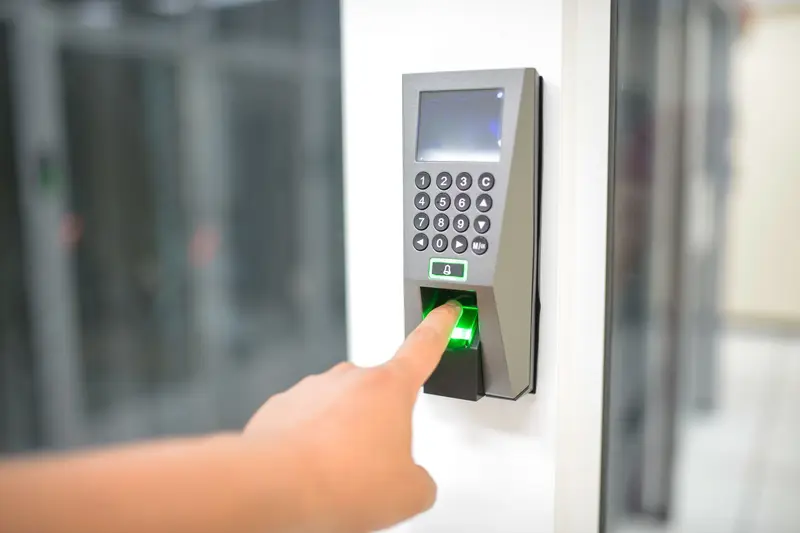
Encryption protects far more than web pages. Messaging apps use it so that only the sender and recipient can read a conversation. Wi-Fi networks encrypt traffic between your device and the router, as covered in how Wi-Fi transmits data. Bluetooth devices derive keys during pairing, described in how Bluetooth connects nearby devices. Phones encrypt their storage, and the files you keep online are protected in transit and at rest, a topic explored in what storing files in the cloud really means. Even unlocking a phone with a fingerprint usually releases a key that decrypts the device, an idea that links to how biometric scanners work.
Limits and misconceptions
Encryption does not make everything safe. It protects data in a specific place and time: on the wire, or on a disk. Once decrypted on your screen, the information is exposed to whoever controls that device. Malware, a stolen unlocked phone, or a tricked user reveals data no cipher can shield.
A related myth is that strong encryption is routinely "cracked." In practice, attackers go around it: they steal passwords, exploit software bugs, trick people with fake login pages, or capture keys. Weak passwords are especially damaging when a key is derived from them, because the search space shrinks dramatically.
Another misconception is that encryption hides everything. It conceals content, but often not the fact that communication occurred, its timing, or its approximate size. Encryption also differs from compression, though the two are often combined; encrypted data looks random and does not compress, so compression must come first, a point related to how compression shrinks files.
Finally, security decays. Algorithms considered strong can weaken as mathematics and hardware advance, which is why standards evolve and old protocol versions are retired.
In Short
Encryption protects information by scrambling it with a mathematical procedure that only the right key can reverse. Fast symmetric ciphers such as AES protect the bulk data, while public-key cryptography lets strangers establish shared secrets and verify identities without meeting first. Protocols like TLS blend them into a quick handshake that delivers confidentiality, integrity, and authentication, though the weakest point is usually a person, a password, or a device rather than the mathematics.