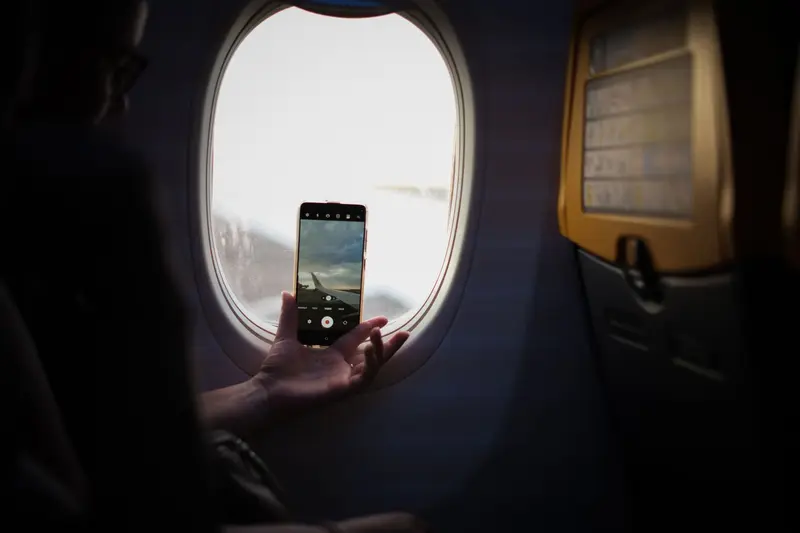
Airplane mode looks like a trivial toggle, but it is a compact answer to a real engineering and regulatory problem. A modern phone contains several radios: a cellular modem, a Wi-Fi radio, a Bluetooth radio, and receivers for satellite navigation, sometimes joined by short-range payment and tag-reading chips. Airplane mode is a master switch that tells the operating system to stop the transmitting radios at once, so the device becomes a pocket computer that talks to nothing.
The feature exists because of two separate concerns that are often blurred together. One is the possibility that a transmitter could interfere with the sensitive radio equipment an aircraft uses for navigation and communication. The other is that a phone moving at cruising altitude does not behave like a phone on the ground, and cellular networks were not designed for it. Understanding the difference explains most of the rules passengers hear. The examples here follow United States rules; other countries and airlines have their own policies, and cabin instructions always take precedence.
What the switch actually does
When you enable airplane mode, the operating system sends commands to each radio subsystem to power down its transmitter. The cellular modem is the important one. It stops registering with towers, stops listening for incoming calls and texts, and stops uploading anything. Wi-Fi and Bluetooth are switched off as well, at least initially, because they also emit radio energy.
Everything else keeps running. The processor, the display, the camera, the storage, and the sensors continue to work, which is why downloaded movies, offline maps, music, notes, and games remain available. The phone is not shut down and it is not "asleep"; it simply cannot send or receive over the air.
Most phones treat the individual radios as separate settings layered on top of the master switch. After airplane mode is on, you can typically turn Wi-Fi back on to join an onboard network, or turn Bluetooth back on to use wireless headphones. Many phones remember that choice and restore it the next time you enable the mode. Cellular, in contrast, is normally the one radio you leave off for the whole flight.
Why cellular signals are the real problem
A cellular network is built around a grid of towers, each covering a region called a cell. Neighboring cells use different frequencies so they do not interfere, and the same frequencies are reused in cells farther away. The whole design assumes that phones are near the ground, where buildings, terrain, and distance limit how far a signal travels.
A phone in an airplane breaks that assumption. Regulators have described the effect plainly: an airborne handset has an unobstructed line of sight to the ground, so its signal is not attenuated by terrain and obstacles the way a ground-level signal is. It can be received by multiple cell sites at once, potentially causing interference to ground networks. It also moves so fast that the network would have to hand the connection from tower to tower in rapid succession.
United States rules address this directly. The Federal Communications Commission rule at 47 CFR 22.925 states that cellular telephones carried aboard aircraft must not be operated while the aircraft is airborne, and that all such phones must be turned off when the aircraft leaves the ground. In a later rulemaking document, the Commission explained that this prohibition, adopted in 1991, was meant to guard against harmful interference to terrestrial cellular networks, and that it was not written to ensure interference-free operation of aircraft avionics.
There is a second, less obvious effect. Cellular handsets generally respond to a weak or distant link by transmitting more strongly, because the tower must be able to hear them. A phone that keeps searching for coverage at altitude, inside a cabin that attenuates the signal, may therefore spend much of a flight transmitting at high power, draining its battery and adding more radio energy to the cabin. Switching the modem off avoids that entirely.
Interference with aircraft equipment
The aviation side of the question is separate. Aircraft rely on radio receivers for navigation, communication, and landing guidance, and those receivers are designed to detect faint signals. Any electronic device emits some unintentional radio noise, and a transmitter emits a great deal more on purpose. The Federal Aviation Administration's rule for portable electronic devices, 14 CFR 91.21, generally bars their operation aboard airline aircraft unless the operator has determined that a device will not cause interference with the aircraft's navigation or communication systems. In practice, airlines assess how tolerant their airplane types are and then allow devices during some or all phases of flight.
This is why the rules have changed over time. In the past, use was widely restricted during takeoff and landing, the phases when a crew has the least time to deal with any anomaly. On October 31, 2013, the FAA announced that, based on the report of an industry advisory committee, airlines could safely expand passenger use of portable electronic devices during all phases of flight, with implementation guidance for carriers. The committee concluded that most commercial airplanes can tolerate radio interference from such devices, and it recommended that devices with cellular capability keep that capability disabled during flight. Airplane mode became the standard way for passengers to comply.
What stays on, and what does not
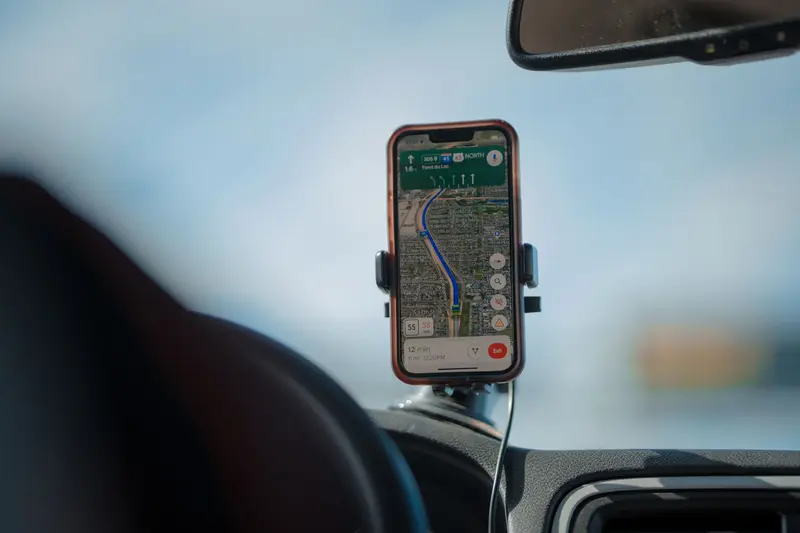
Airplane mode is not a total radio blackout, and the details vary by phone. Satellite navigation is a one-way technology: each satellite transmits its position and time, and a receiver processes those signals to calculate where it is. The receiver never sends anything back. Many phones therefore keep location working in airplane mode, which is why an offline map can still show your position along a flight. Because GPS depends on precise clocks aboard the satellites rather than on any exchange with your device, nothing about receiving it conflicts with the purpose of the mode.
Wi-Fi and Bluetooth are worth a closer look. Bluetooth, for example, is described by its standards body as operating between 2.402 and 2.480 GHz, in a band it shares with much other equipment. These short-range links are built for modest distances rather than for reaching a tower miles away, which is one reason airlines can allow them once the cellular link is off. You can read more about how Wi-Fi transmits data and how Bluetooth connects nearby devices to see why these radios are treated differently.
In-flight internet is a different path from your phone talking to a cell tower. Airlines that offer it typically link the aircraft to a satellite or to ground stations along the route and then share the connection in the cabin over ordinary Wi-Fi. This is why a plane can offer Wi-Fi while still asking you to keep cellular off. The reach of those overhead links follows the same principles as long-distance satellite communication.
Common misconceptions
A frequent belief is that a phone left on will disable a plane's controls. That is not the reasoning behind the cellular rule: as noted above, the FCC prohibition was aimed at protecting ground networks, and the aviation rules work through a cautious, airline-by-airline determination that devices will not interfere with navigation and communication systems. The rules are a conservative layer of protection, not a claim that a single handset is a demonstrated danger to a flight.
Another belief is that airplane mode saves no battery, or that it always saves a lot. The savings come mainly from stopping the cellular modem from hunting for signal. In a place with weak coverage, such as a basement, an elevator, or a remote area, switching to airplane mode can noticeably slow battery drain, and a phone that is doing less often charges a little faster. In strong coverage the difference is usually small.
Finally, airplane mode is not limited to airplanes. It is useful anywhere you want a phone to stop transmitting: in a place that asks for it, in a screening room, or when you want to sleep without incoming calls while alarms still work.
In Short
Airplane mode is a master switch that silences a phone's transmitters, above all the cellular modem, while leaving its processor, sensors, and stored content available. It exists because signals from the sky reach far more towers than ground-based networks were designed for, and because aircraft carry sensitive radio receivers that deserve protection. Wi-Fi, Bluetooth, and receive-only navigation can often be used alongside it, which is why the same simple toggle serves both a long flight and a quiet night at home.